
Free
$0
3 try-ons to start
- —3 virtual try-ons total
- —1 profile
- —Fitting Room, Closet and Looks
- —Product links + uploads
- —Chrome extension
DRESR · AI virtual fitting room + digital closet
Try on clothing from product links or photos, save your favorites, and build a closet of looks that actually feel like you.
3 free try-ons. No credit card required.
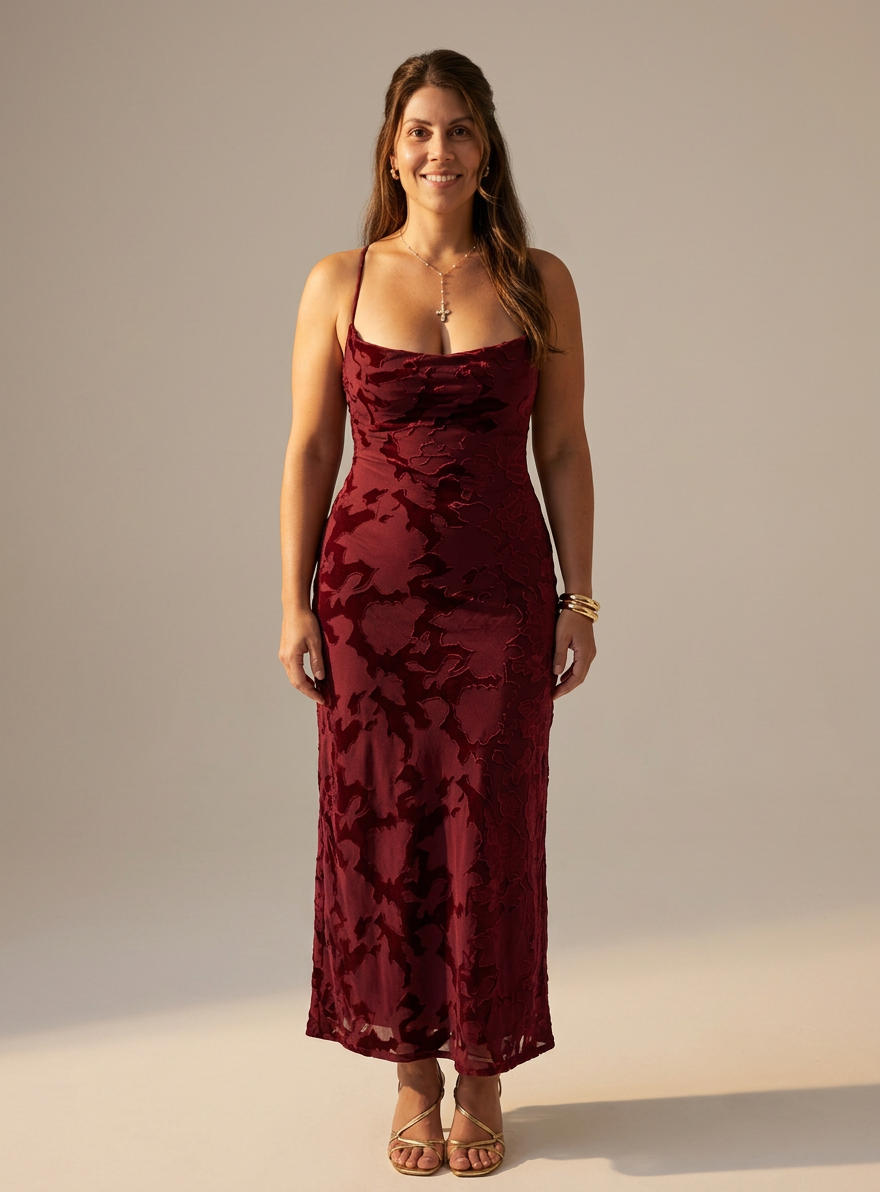
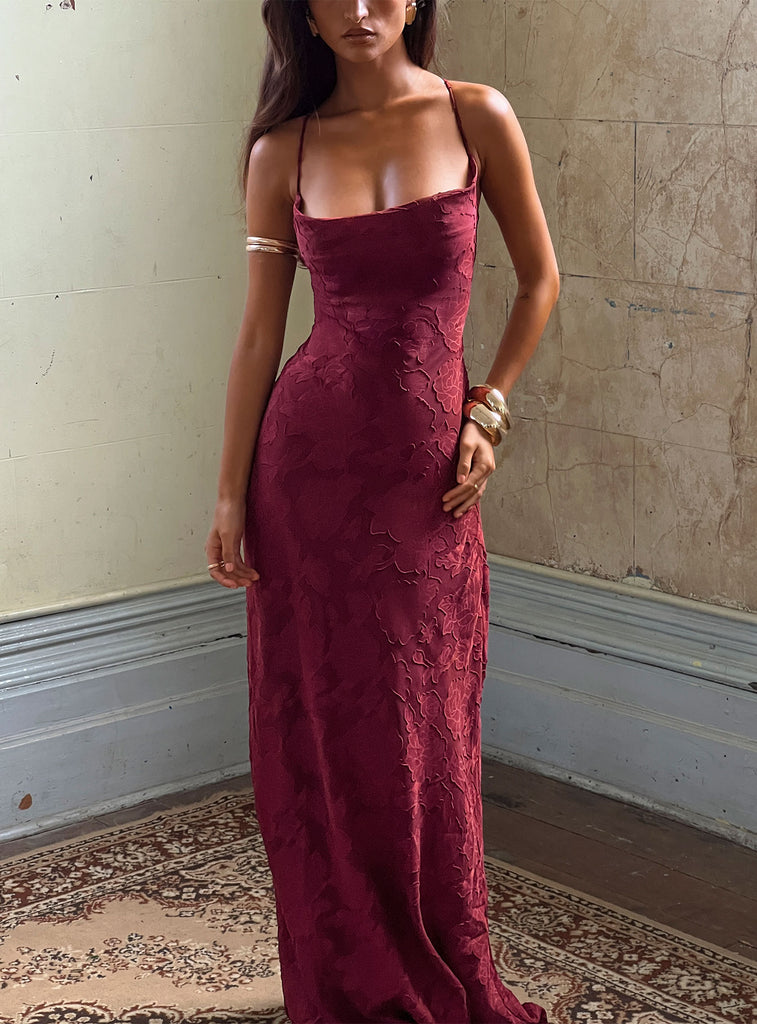 ProductOn you
Drag to compare. DRESR test renders made by our team, shown next to the original product.
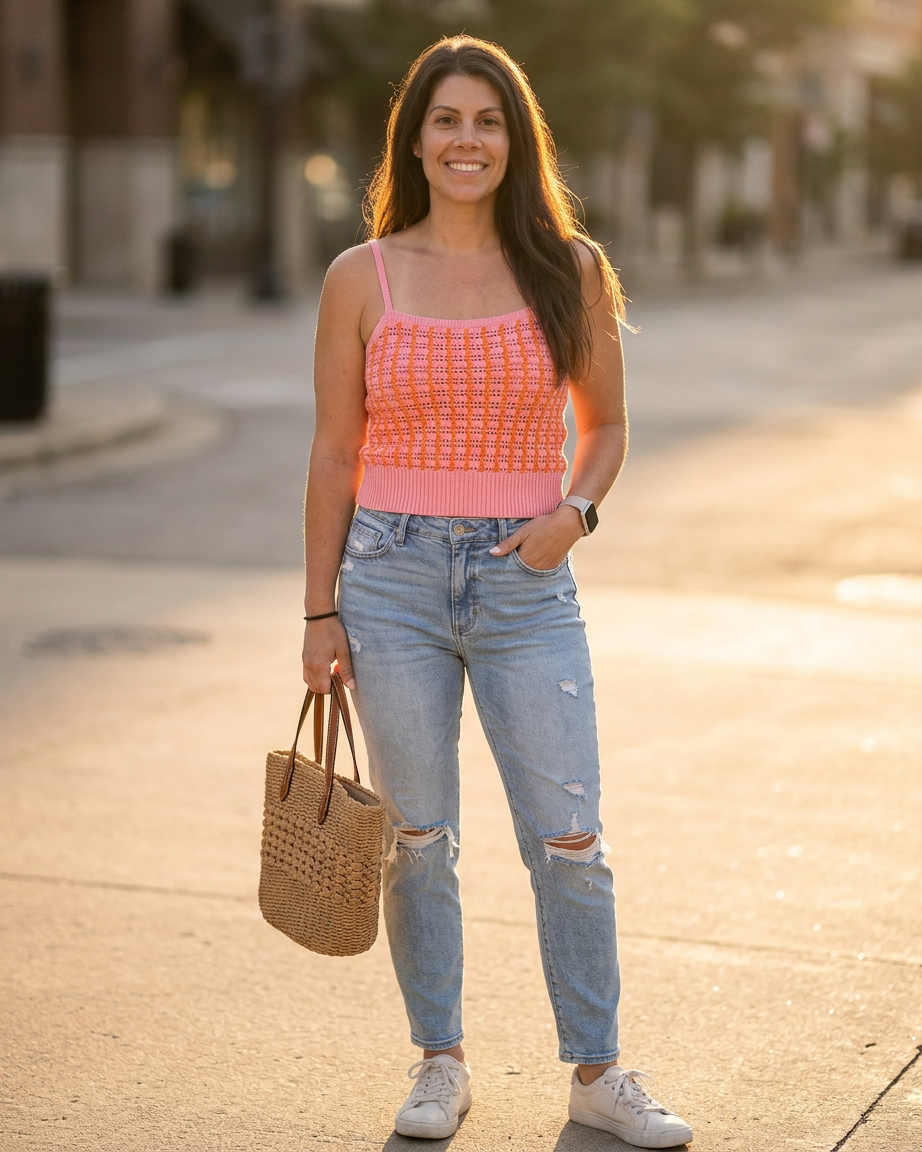
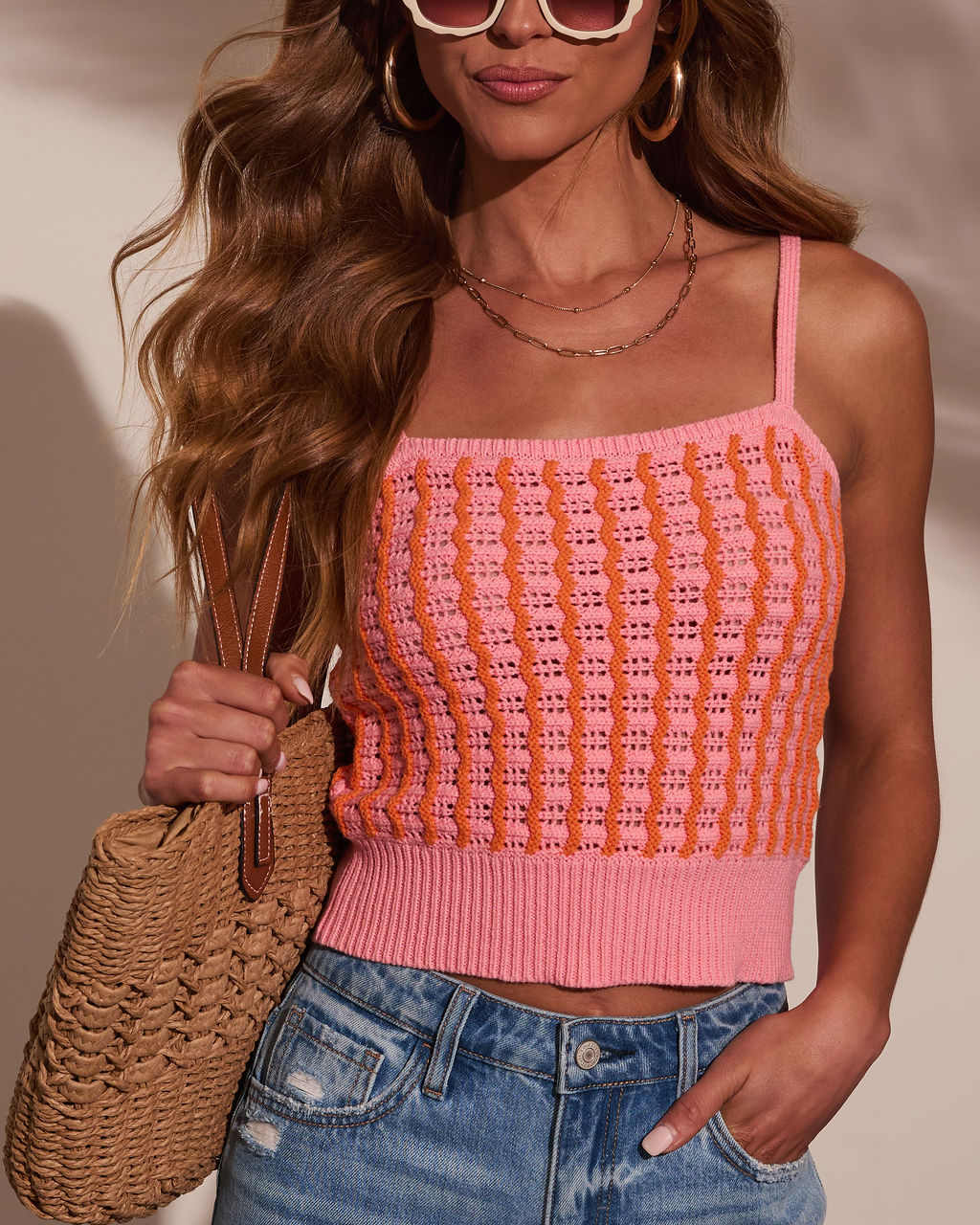 ProductOn you
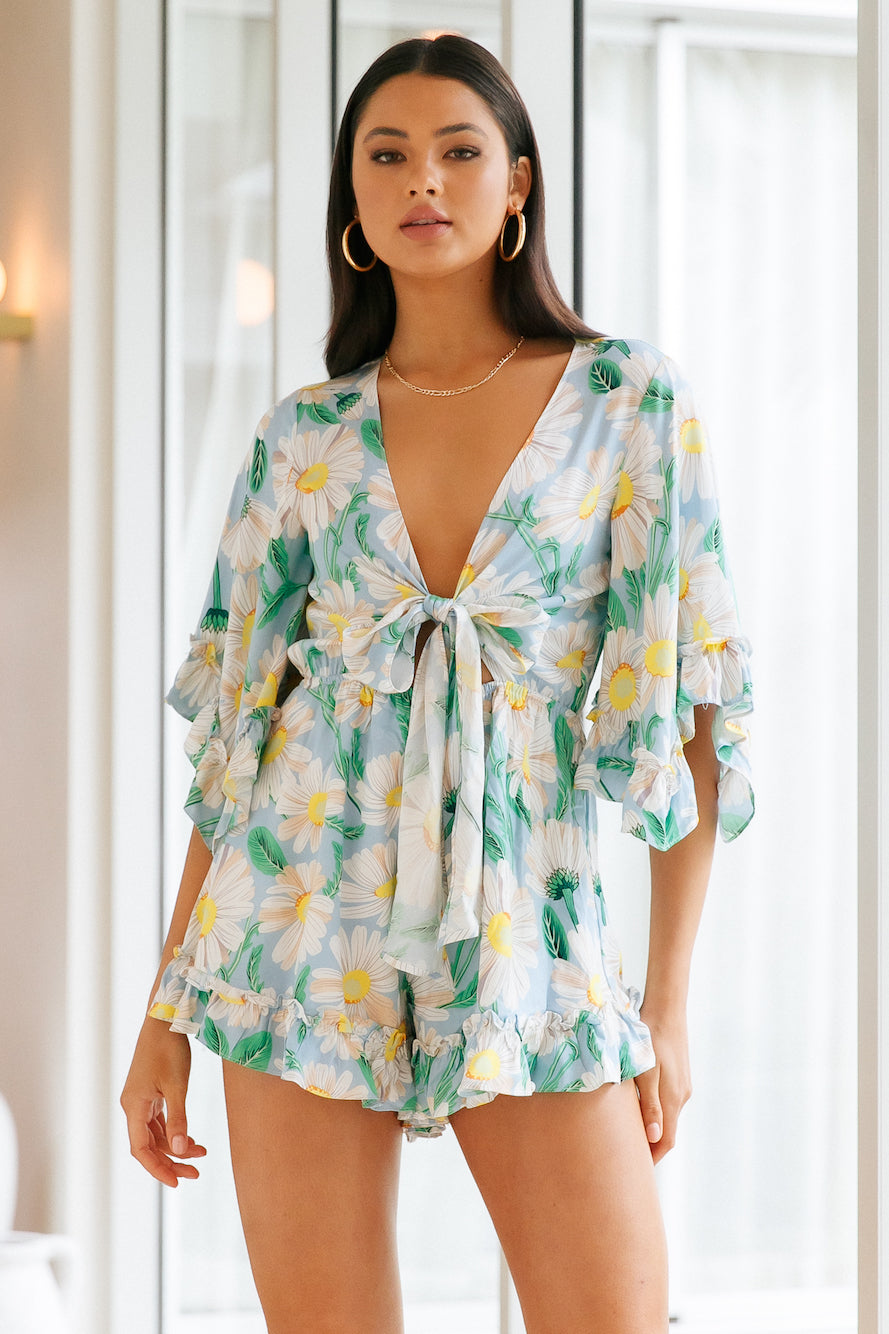 ProductOn you
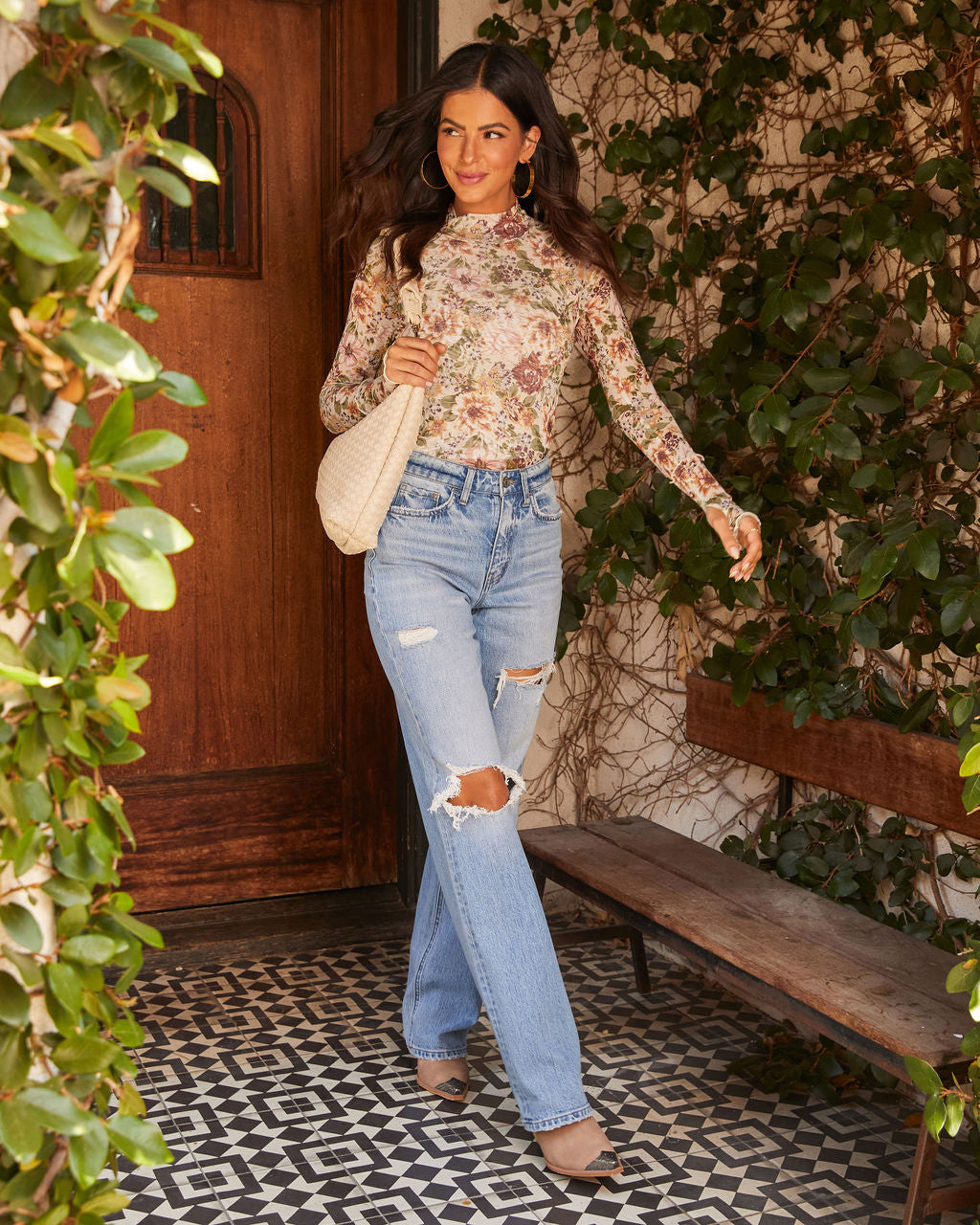 ProductOn you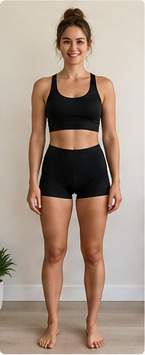
Add a photo and basic fit information.
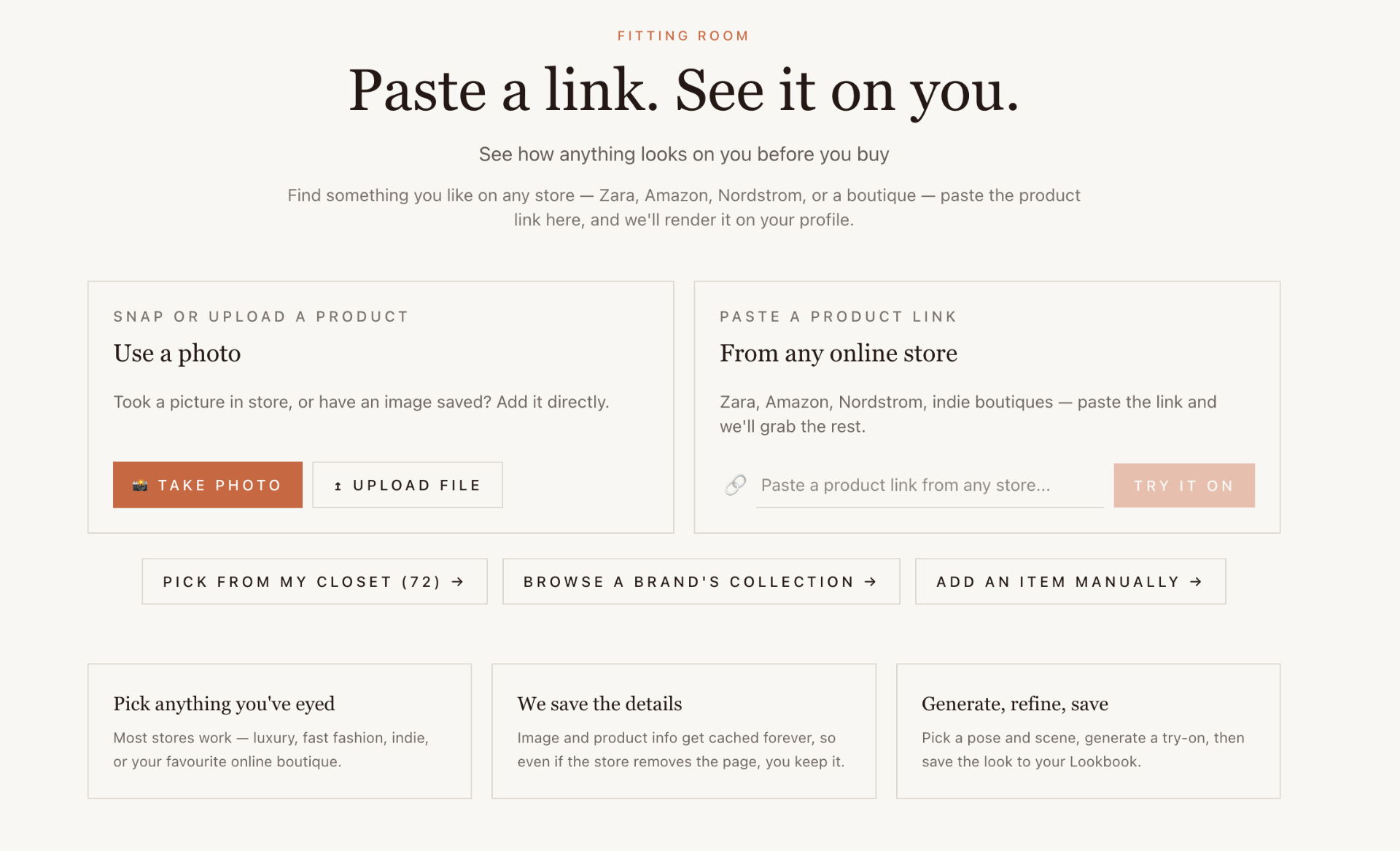
Paste a product link or upload a photo.
Generate the look, save it, or keep shopping.
Paste a product link, upload an image, or use DRESR directly from your browser.
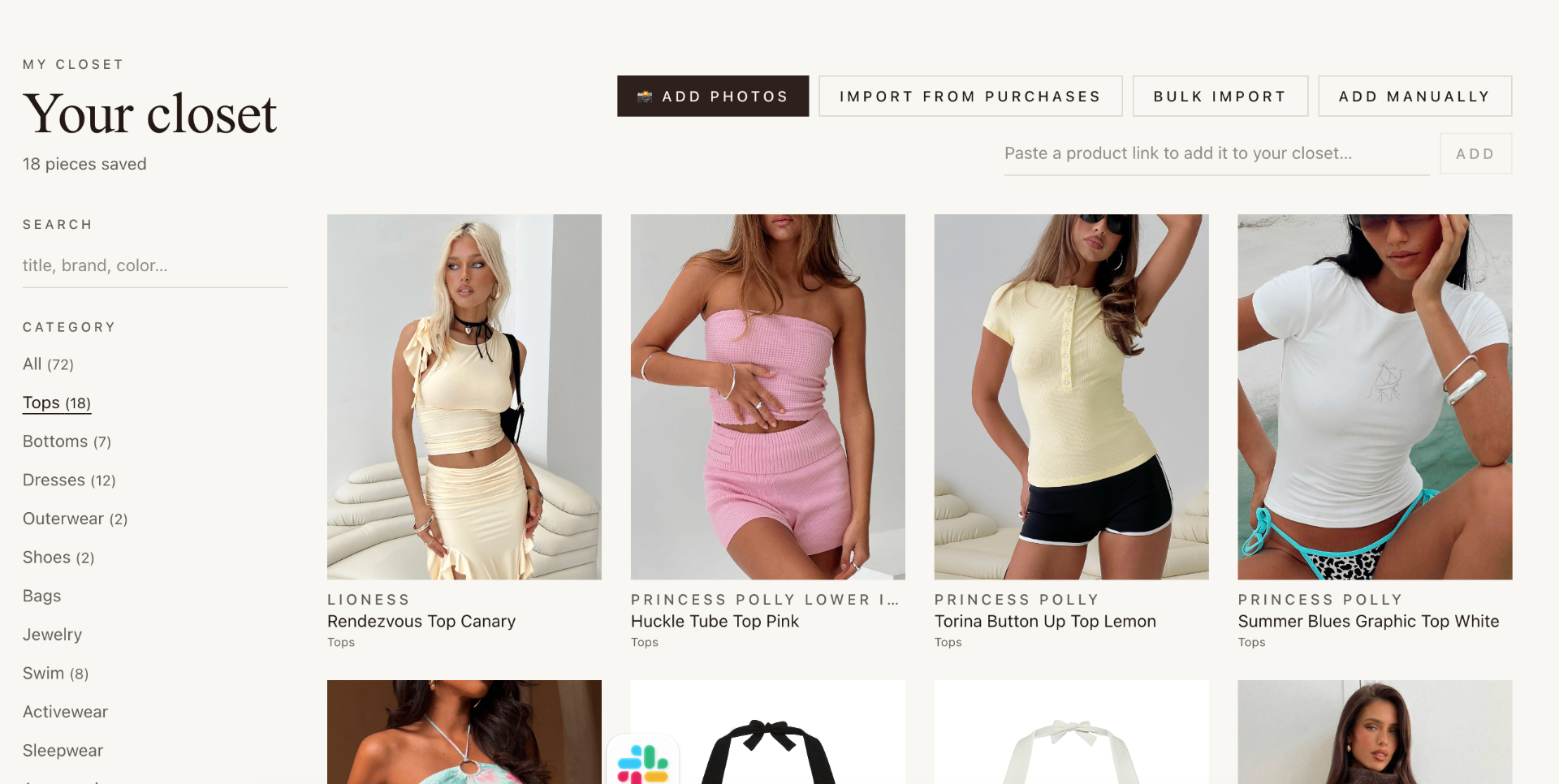
Keep the things you're considering in one place, from any store. Sort by category, mark favorites, and try any item again whenever you want.
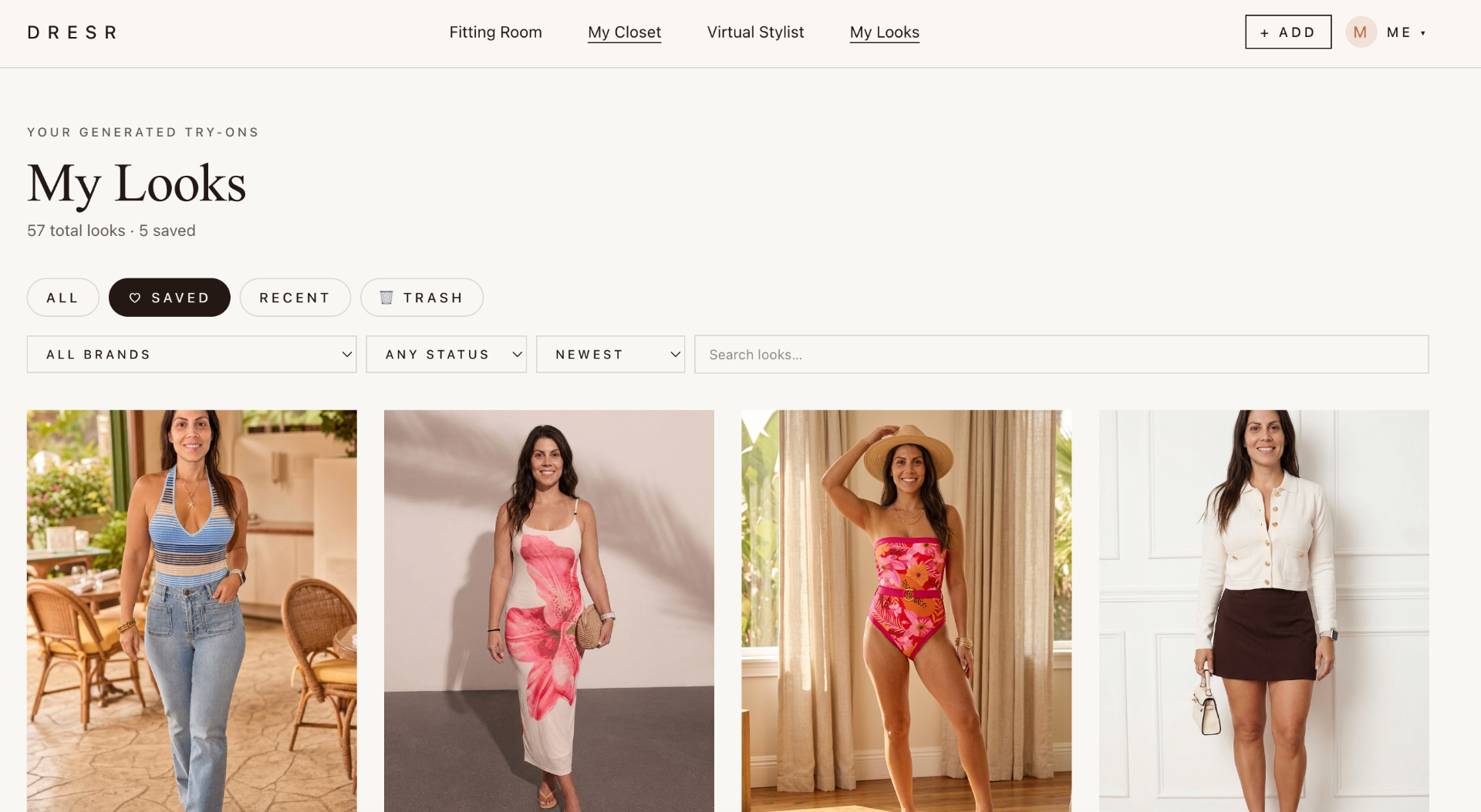
Every try-on you save lands in Looks, ready to revisit, compare, or shop.
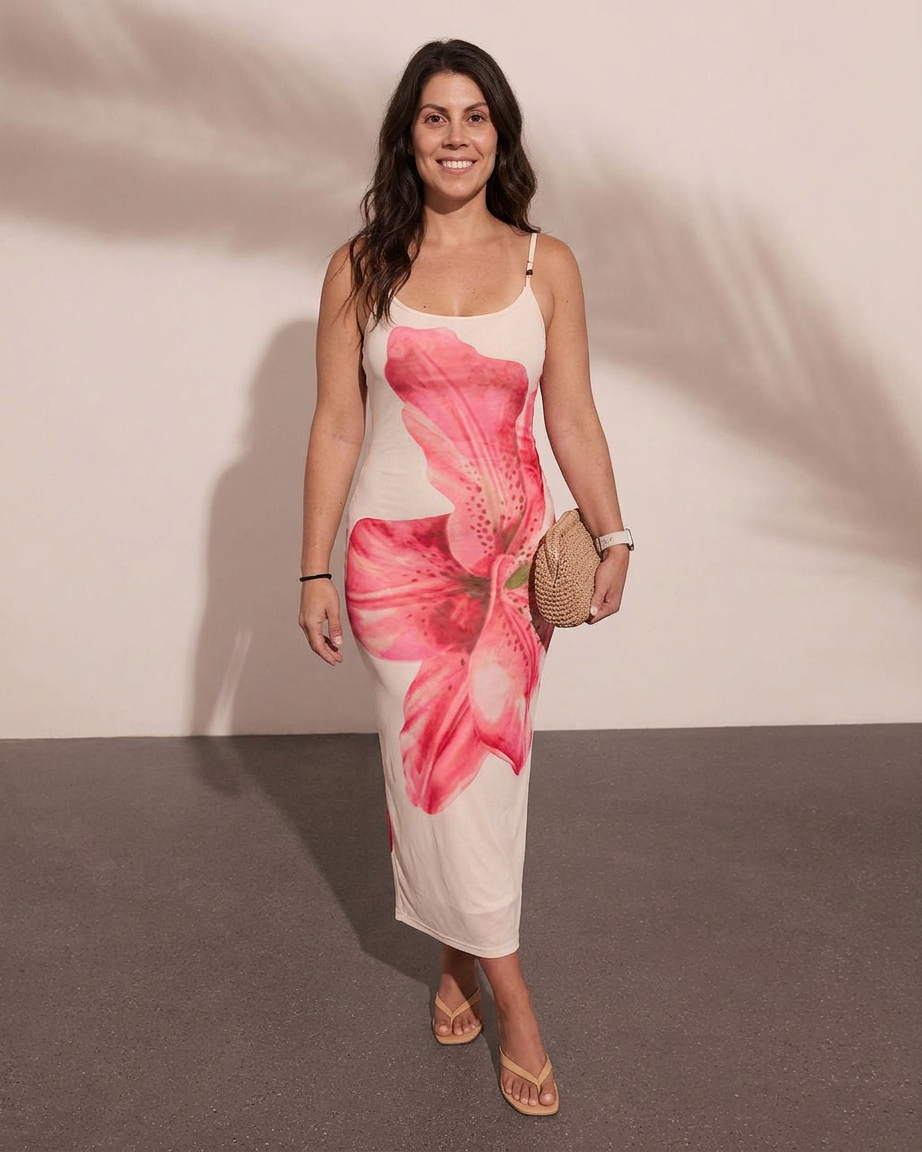
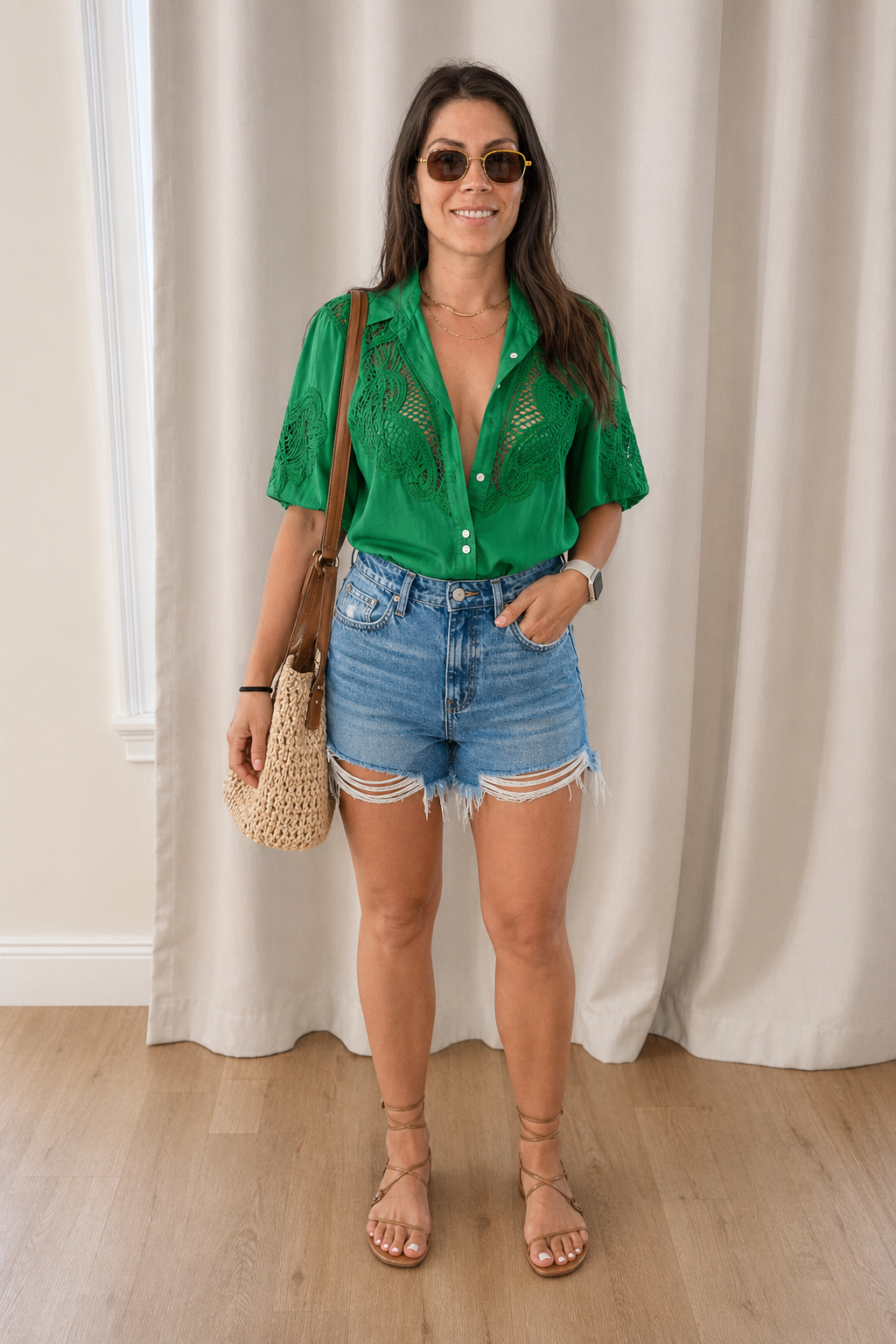
What is DRESR?
DRESR — available at mydresr.com — is an AI-powered virtual fitting room and digital closet. Try on clothing from product links or photos, save pieces from different stores, build outfits, and keep the looks you want to revisit.
DRESR explained
Learn more about AI virtual try-on, the digital closet and building outfits.
Upload a photo of yourself, then paste an online clothing product link or add a product photo. DRESR creates a visual try-on preview so you can explore the look before buying.
Yes. Add clothing from different stores to your digital closet, organize favorites, and revisit products and looks in one place.
Yes. Use items in your closet to build and save outfits, then return to your looks to compare and refine them.
Yes. New accounts start with three free virtual try-ons, and no credit card is required.
Chrome extension
Open DRESR on a product page, choose your profile, and start a try-on without breaking your shopping flow.
Annual plans are billed once a year. Try-on allowances refresh every month.