
Bring in the product
Start with a product link or clothing photo from across the web instead of rebuilding a cart inside one retailer.
AI virtual try-on
Paste a product link or upload a clothing photo and DRESR creates a personalized visual try-on on your profile. Compare the piece in context, save the looks you like, and keep shopping without relying only on a model photo.
3 free try-ons. No credit card required.
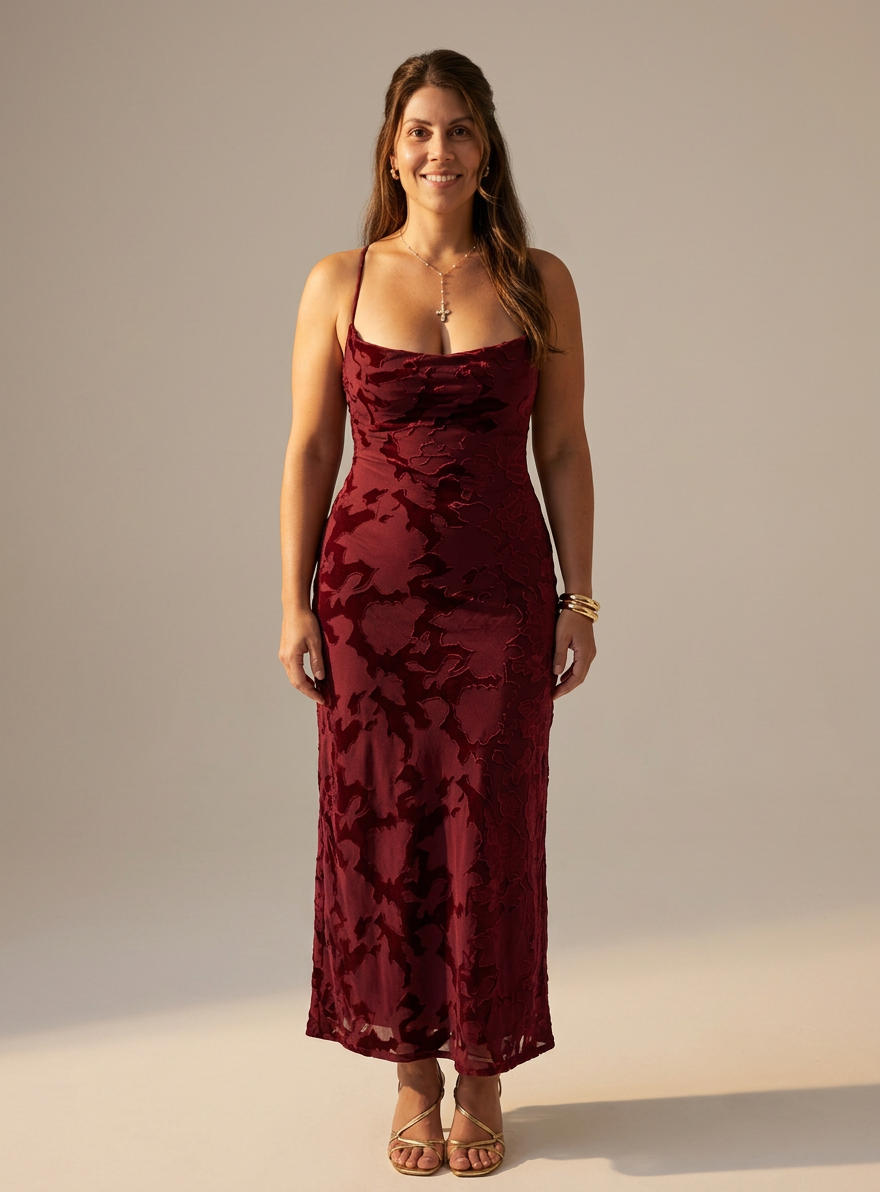
Start with a product link or clothing photo from across the web instead of rebuilding a cart inside one retailer.
Generate a personalized visual preview that keeps the focus on how the garment looks in the context that matters: you.
Keep successful try-ons in Looks, save products to your Closet, and return to them while you compare options.
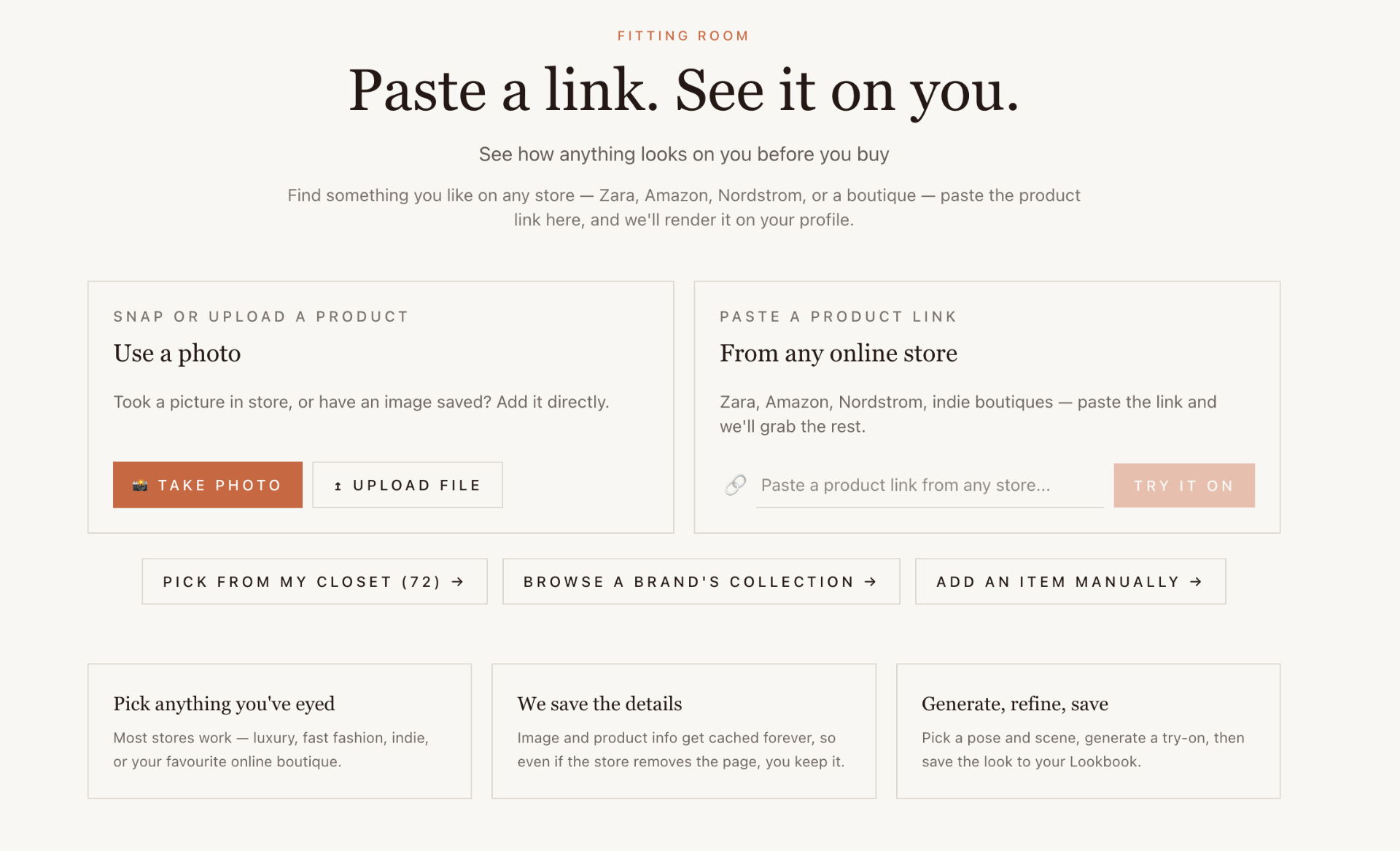
Copy a product page URL into DRESR and the app uses the product imagery and details to set up the try-on. It is designed for shopping across stores rather than being locked to one catalog.
If you already have a clothing image or screenshot, upload it directly. This is useful for social posts, inspiration images, resale listings, and products that are not easy to import from a page.
The DRESR Chrome extension brings the fitting room into your browsing flow so you can try a product without leaving the retailer page.
Frequently asked questions
You create a profile with a suitable photo, add clothing from a product link or image, and DRESR generates a personalized visual preview of the item on that profile.
Yes. DRESR is built to work across the web, so you can bring in products from different retailers instead of being limited to a single store.
Yes. You can upload a clothing image directly when a product link is unavailable or when you want to try something from a screenshot or social post.
Yes. You can save useful results to Looks and keep the underlying product in your DRESR Closet so it is easy to revisit.
No. DRESR provides a visual preview to help you judge style and context. It is not a substitute for retailer measurements, garment specifications, or real-world fit.
Explore DRESR