
Start with your pieces
Choose clothing from your DRESR Closet or add something new you are considering buying.
AI outfit generator
Start with clothing from your digital closet or a new product you are considering, visualize the combination, and keep refining the outfit without losing the pieces you already like.
3 free try-ons. No credit card required.
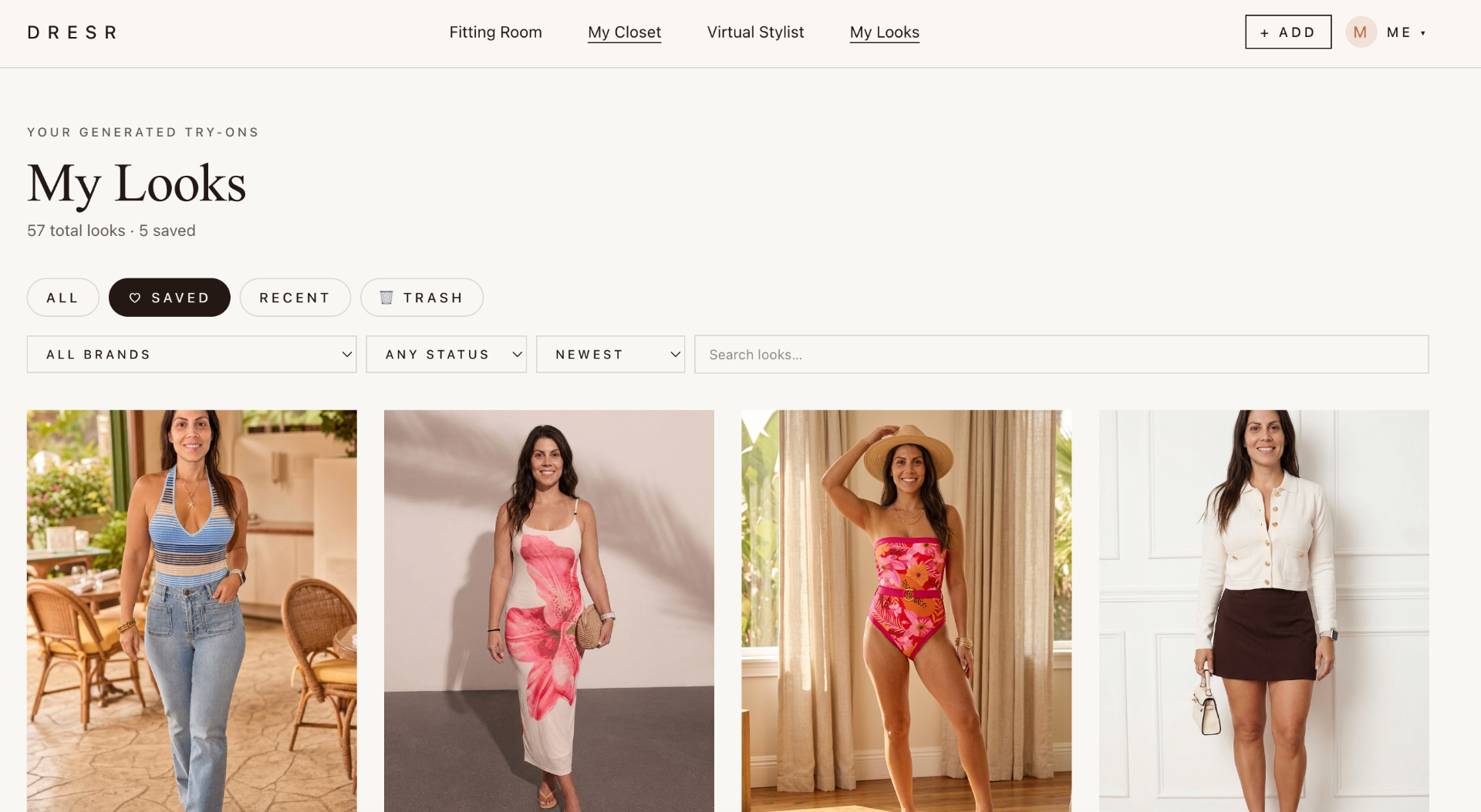
Choose clothing from your DRESR Closet or add something new you are considering buying.
Build a visual look around your selected profile so individual products become part of an outfit, not isolated thumbnails.
Keep the pieces that work, swap the ones that do not, and save useful combinations for later.
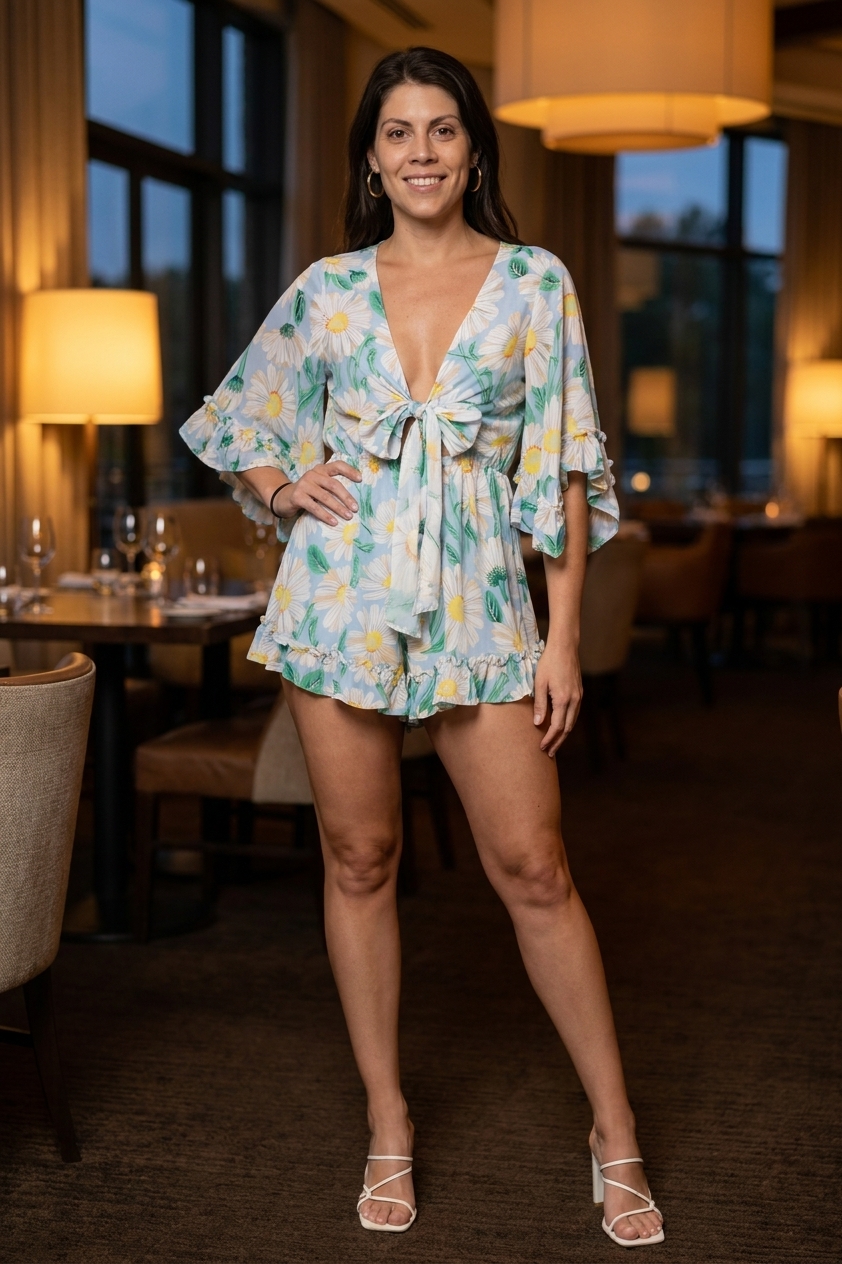
Because DRESR connects outfit building to the Closet, you can work with clothing you already own as well as pieces you are considering. That creates a more realistic starting point for styling decisions.
A useful outfit tool should help answer whether a new piece works with what you already have. DRESR is designed to bring both sides of that decision into the same workflow.
When a combination works, save it to My Looks so you can return to it later instead of rebuilding the same outfit from scratch.
Frequently asked questions
Yes. Clothing saved in your DRESR Closet can be used as the starting point for building and saving looks.
Yes. DRESR is designed to combine owned wardrobe pieces with new products you are considering.
Yes. Useful combinations can be saved to My Looks so you can revisit and compare them later.
No. The outfit workflow is designed around keeping the pieces that work and changing individual elements as you explore alternatives.
No. Outfit building is connected to DRESR's virtual fitting room, digital closet, saved looks, browser extension, and purchase-import tools.
Explore DRESR