
Choose how far back to look
Start with a recent window or look further back when you want to bring more of your purchase history into DRESR.
Email purchase import
Your wardrobe already exists across years of order confirmations. DRESR helps find eligible clothing purchases, lets you review what was discovered, and gives you a faster way to build a useful digital closet.
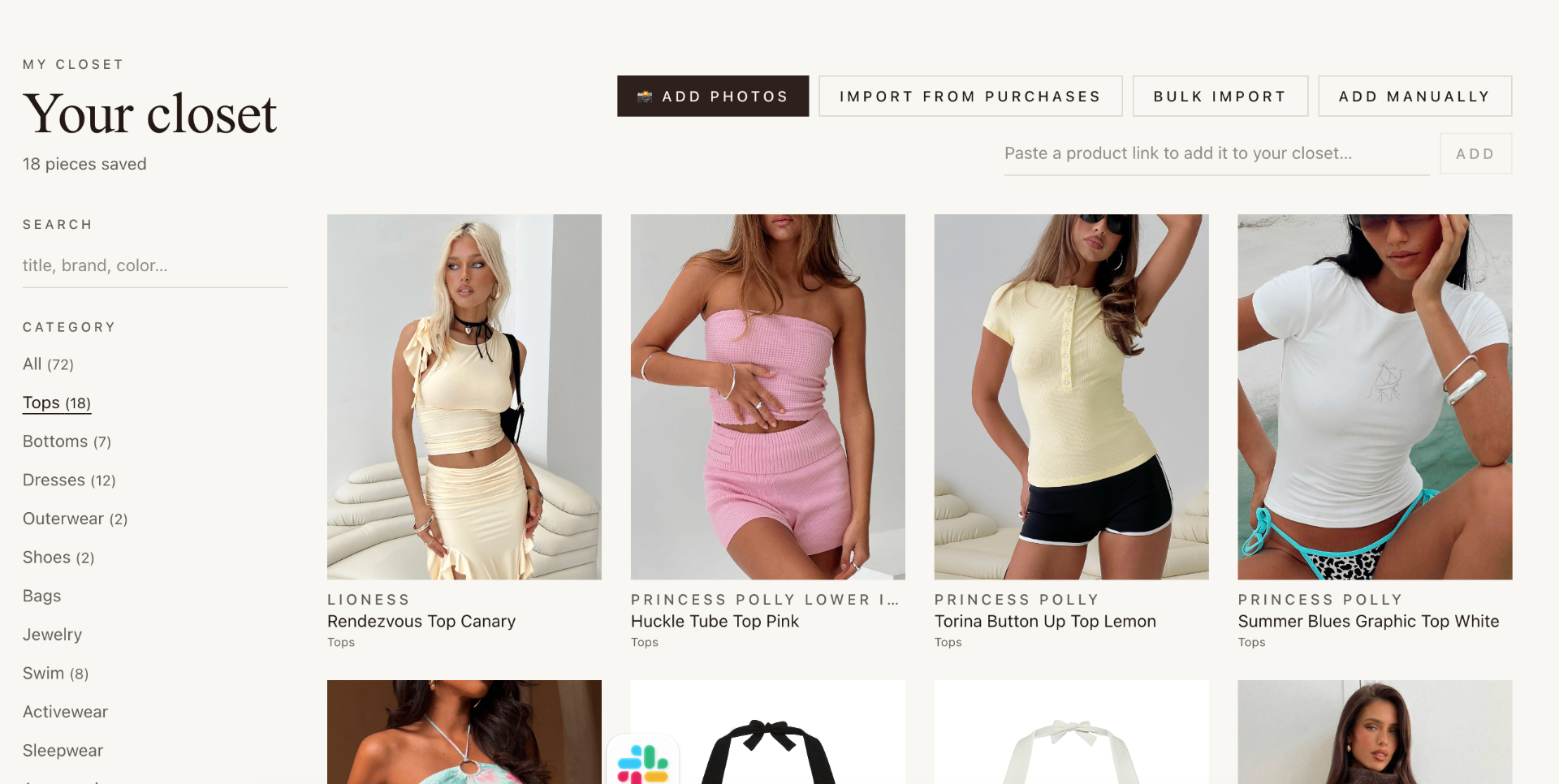
From inbox to wardrobe
Start with a recent window or look further back when you want to bring more of your purchase history into DRESR.
DRESR focuses on relevant shopping orders and lets you review discovered products before deciding what belongs in your closet.
Saved purchases can become part of the same Closet, Looks, and outfit workflow you use for newly discovered products.
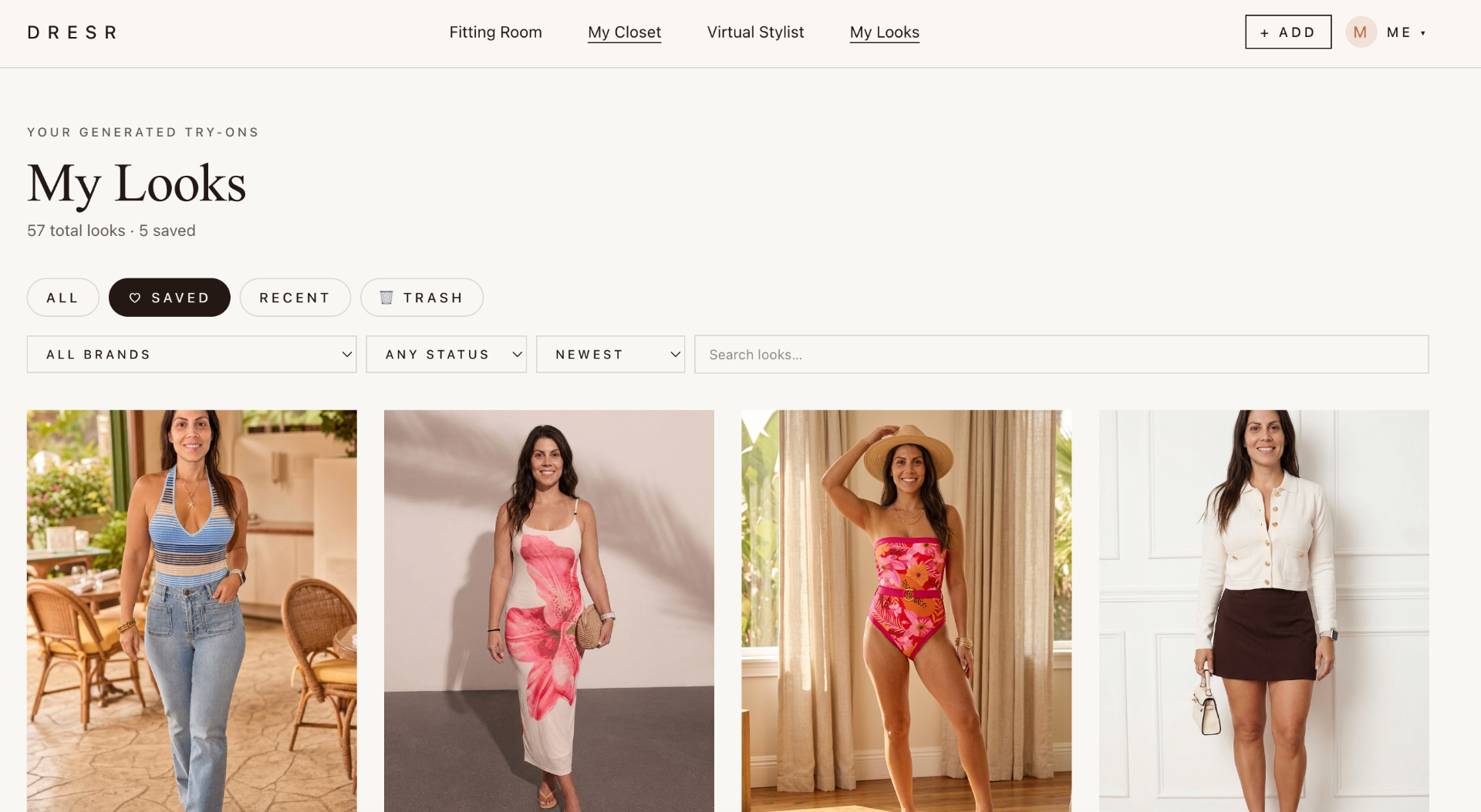
More useful than a receipt archive
Once a purchase is in your Closet, it can help answer a more useful question: what do I already own, and how does something new work with it? That connects purchase history to outfit planning and future shopping instead of leaving it buried in email.
Frequently asked questions
DRESR looks for eligible shopping order confirmations and extracts clothing, footwear, and accessory purchase details that can be reviewed before anything is added to your digital closet.
No. The import is designed around relevant purchase information, and you can review discovered items before choosing what belongs in your closet.
Yes. DRESR supports selectable import windows so you can look back beyond recent orders when you want to rebuild more of your wardrobe history.
Yes. Once an eligible purchase is saved to your DRESR Closet, it can become part of the same wardrobe, outfit, and try-on workflow as items you add manually.