Try free →

How it works

From link to lookbook in under 2 minutes

Three simple steps. No measuring tape. No body scanning. Just a photo, your sizes, and any product from any store.

Watch the demo

See Dresr in action

From paste-link to polished try-on — under a minute, on any phone.

1

Create your profile in 60 seconds

Take a selfie or upload a photo. Tap your body type, your usual sizes, and your preferred fit. That's it — no measuring tape required, no blank forms to fill out. You can always add detailed measurements later to improve accuracy.

⏱ Average setup time: 47 seconds

Your profile

Your profile photo

Body type

PetiteAverageAthleticCurvy

Size

XSSMLXL
dresr.com/fitting-room

Fitting Room

Paste a link

🔗zara.com/dress/floral-midi 
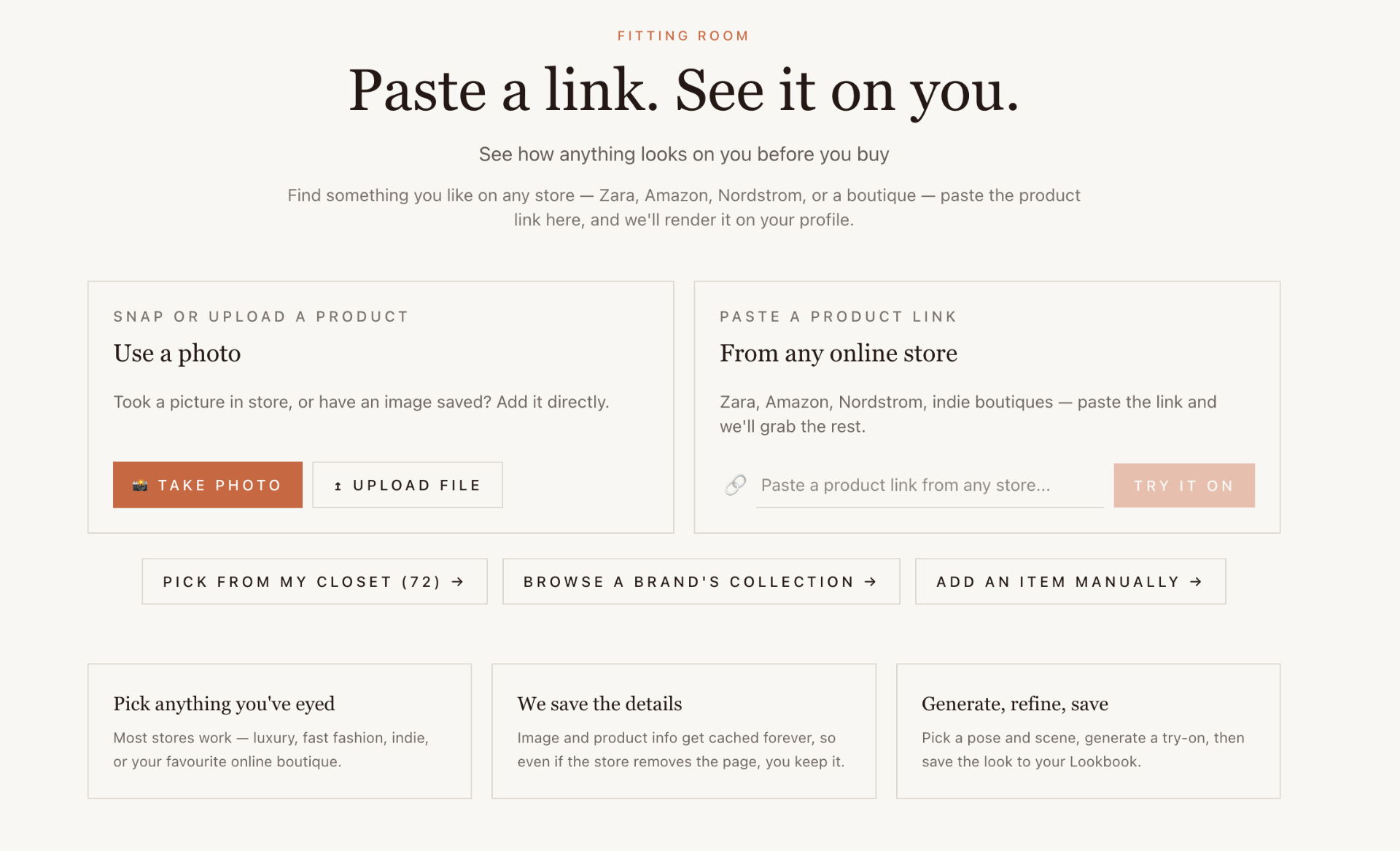
Dresr Fitting Room screen — paste a product link from any online store to render it on you
The actual Fitting Room screen in Dresr.
2

Add any product from any store

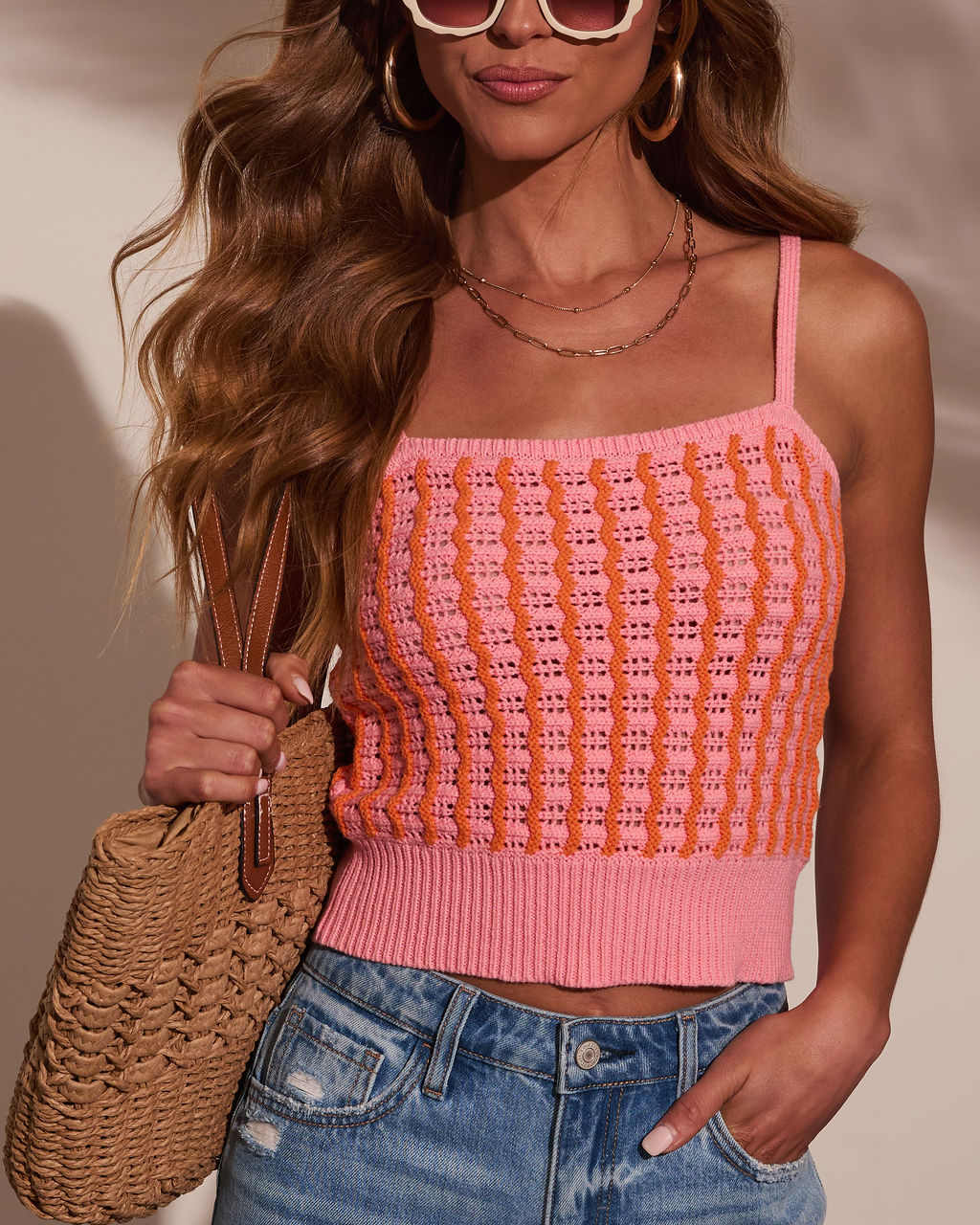
Paste a link from Zara, Amazon, Nordstrom, or any online store. Or snap a photo of something in a physical store — our AI identifies it automatically. We extract the product details and save them permanently so you never lose them.

ZaraAmazonNordstromASOS+1000s
3

See it on you — then save, restyle, or buy

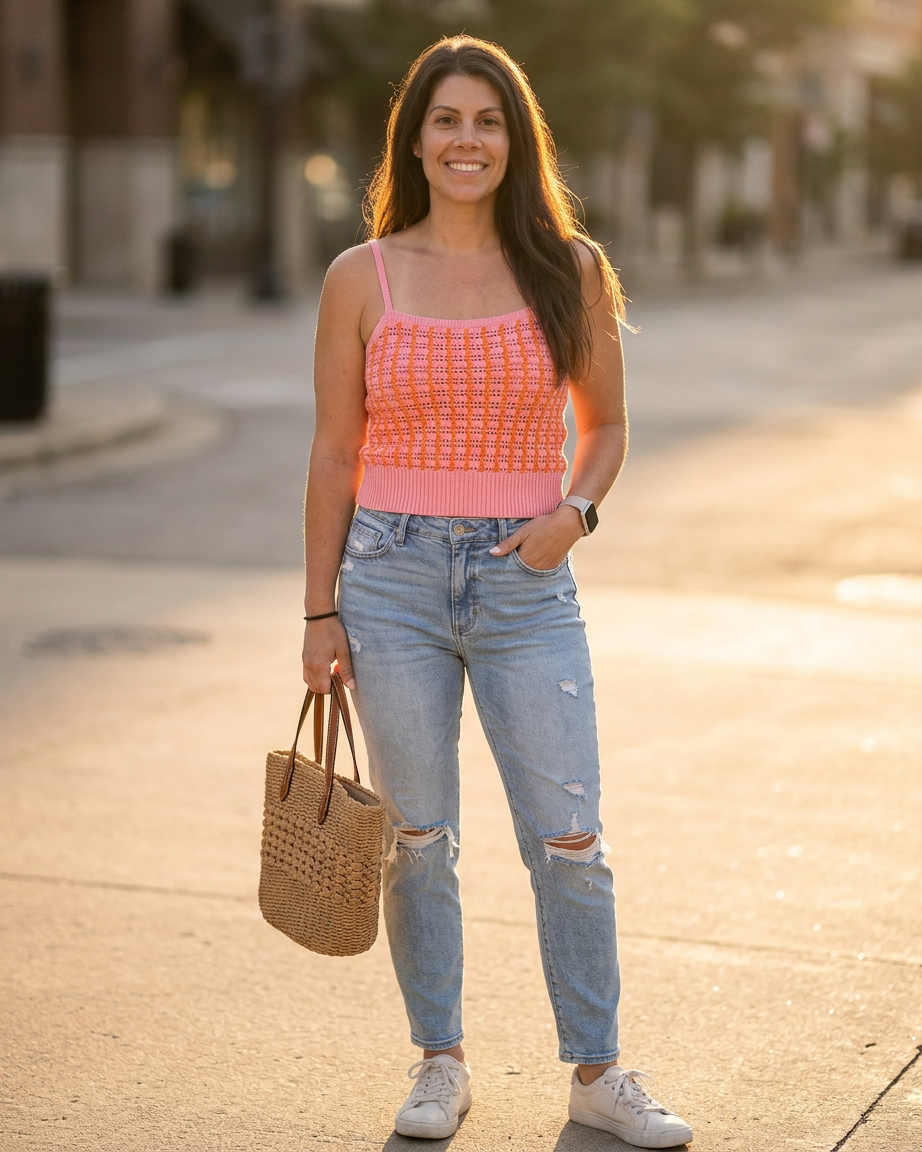
AI renders the product on your body, matching your proportions and measurements. Change the background, adjust the pose, or chat with the AI stylist to refine the look. Save to your lookbook, add to your closet, download the image, or click through to buy.

Try it free →
SaveBuyRestyleDownload
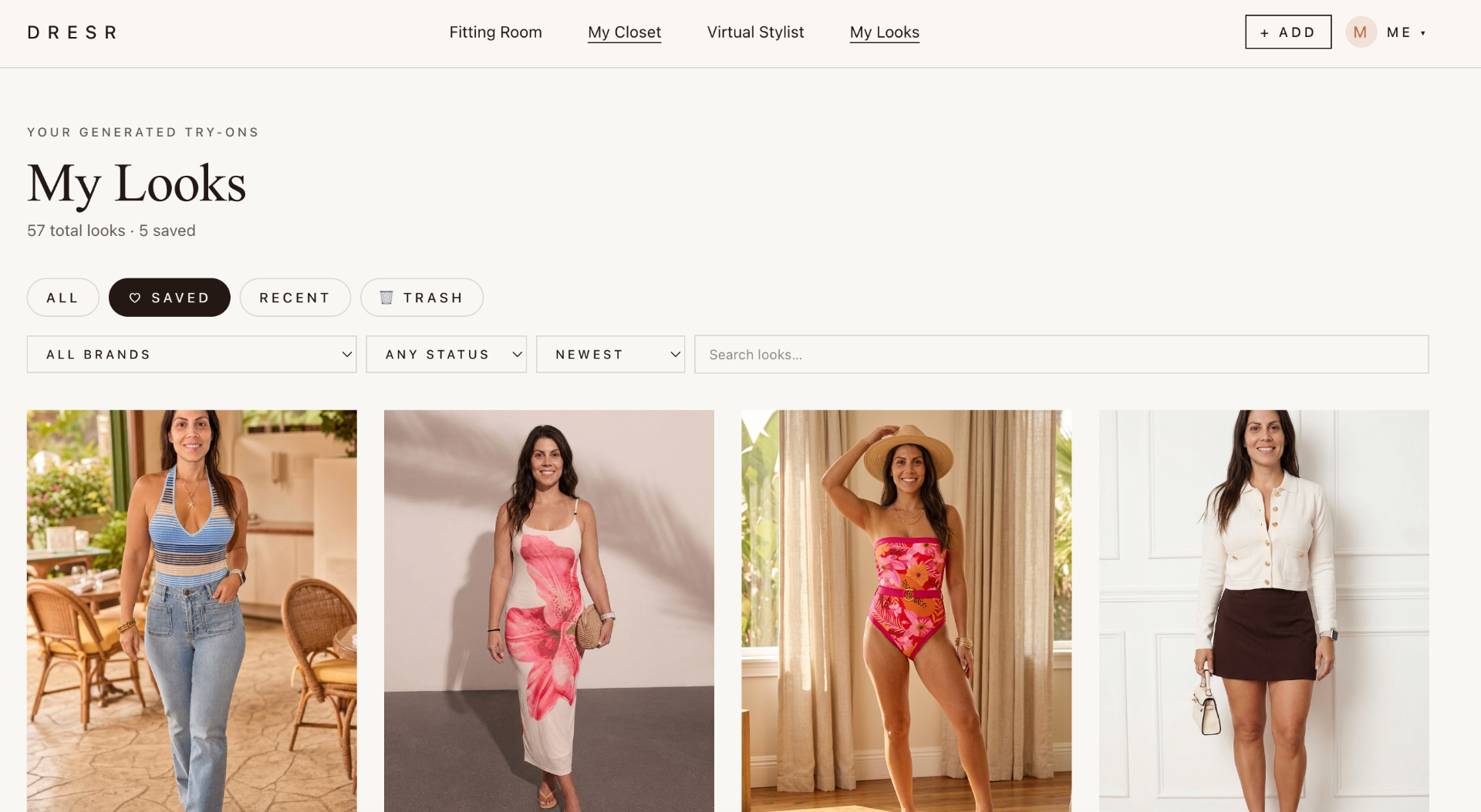
Dresr My Looks gallery — every try-on you've rendered, ready to save or restyle
Every render saves to My Looks.

What happens next

Your closet grows with every try-on

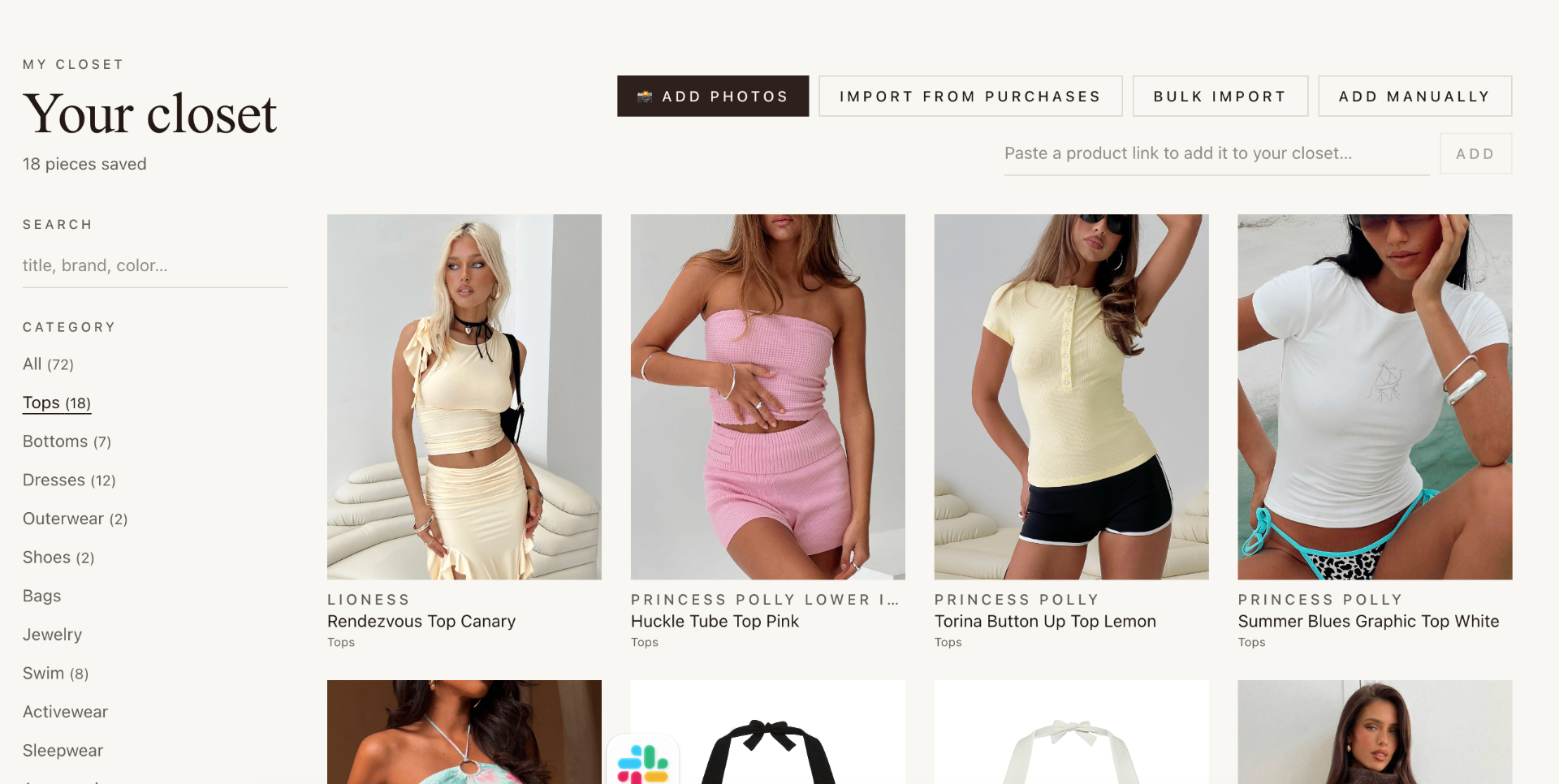
Every product you import or snap automatically saves to your digital closet. Over time, your entire wardrobe lives in Dresr — and that's when it gets really powerful.

After your first try-on

The product is saved to your closet

You can try it on again anytime, in different scenes and poses, without re-importing. The image and details are cached forever.

My Closet · 1 item

After a week

You've built a closet of 15–20 items

Now you can start building outfits — drag your real clothes into outfit slots, see how pieces go together, and try complete looks on virtually.

My Closet · 15 items

+6

After a month

Your full wardrobe is digitized

Dresr knows your style, suggests new pieces that match what you own, helps you pack for trips, and identifies wardrobe gaps. You'll never open your physical closet and think 'I have nothing to wear' again.

My Closet · 45 items

+36

Ready to try it?

Free 7-day trial. No credit card. Cancel anytime.

Create your free account →